
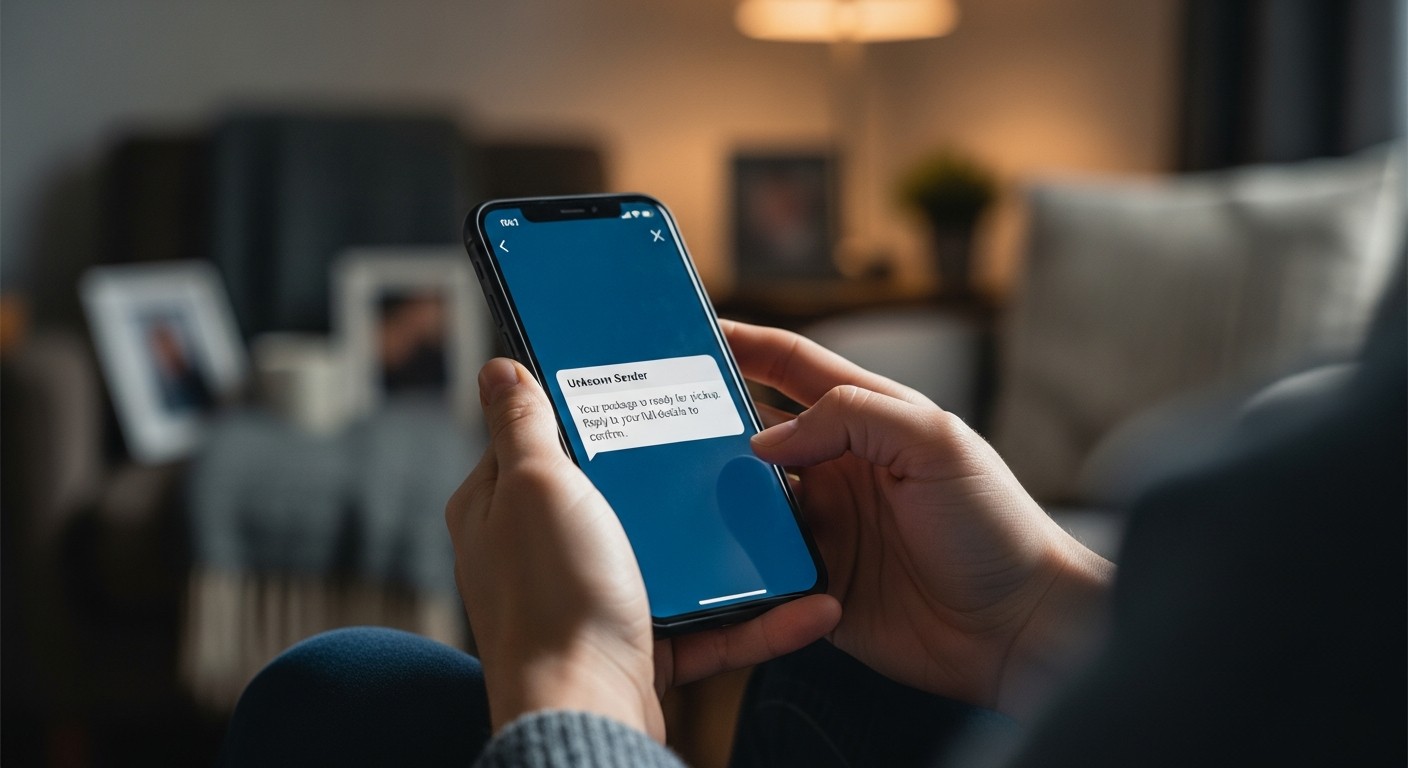
TL;DR: Impersonation scams trick you by pretending to be trusted individuals or authorities. Mike Potter’s guide helps non-tech users spot these fakes by teaching simple ways to verify identities and avoid giving away money or personal information online and over the phone.
When learning about avoiding online scams, a crucial area to understand is how fraudsters pretend to be others. This topic, “Recognizing Impersonation Scams: Fake Friends, Family & Authorities,” is a key part of Mike Potter Programming and Technology Solutions’ broader guide on staying safe online. It’s designed especially simply for non-tech phone, iPad/tablet, and computer users.
Understanding Impersonation Scams
Impersonation scams happen when someone pretends to be a person or organization you know and trust. Their goal is often to trick you into giving them money, personal information, or access to your devices. These scams can feel very personal because they target your trust in familiar figures or official bodies.
Many situations involve messages that seem to come from a friend, a family member, or even a government agency. What usually causes problems is the speed at which these requests often come, pressuring you to act without thinking.
Spotting Fake Friends and Family
It can be unsettling to realize a message from a loved one might not be real. Scammers often use clever tactics:
- Unexpected Requests: A “friend” might ask for money urgently, claiming an emergency, but their story seems a little off. They might ask you to send gift cards or transfer money to an unfamiliar account.
- Unusual Communication: The language or tone might not sound like your loved one. They might use a new phone number or email address without explanation.
- Social Media Takeovers: Sometimes, a scammer hacks a friend’s social media account and then messages everyone on their contact list, pretending to be them.
- Urgency and Secrecy: They often push you to act quickly and might ask you not to tell anyone else about the request.
Common scenarios include receiving a text saying, “I’m locked out of my account, can you send me a verification code?” or an email claiming, “I’m stuck overseas, please wire money.”
Identifying Fake Authorities and Organizations
Scammers also impersonate officials from banks, government bodies like the tax office, or even tech support. Their tactics include:
- Threats and Demands: A “government official” might threaten you with arrest or fines if you don’t pay immediately using unusual methods, like cryptocurrency or gift cards.
- Urgent Account Issues: A “bank” might tell you your account is frozen and ask for your login details to “verify” your identity.
- Fake Tech Support: You might get a pop-up warning on your computer or a phone call saying your device has a virus, and they need remote access to fix it.
- Phishing Emails: These emails look very official but contain links that lead to fake websites designed to steal your information.
What usually causes problems here is the fear factor. Scammers rely on people being afraid of legal trouble or losing access to their accounts.
Verifying Identities: Simple Steps for Safety
Mike Potter Programming and Technology Solutions’ guide emphasizes simple verification methods:
- Pause and Question: If a request feels odd or too urgent, take a moment. Don’t respond immediately.
- Direct Contact: If a “friend” or “family member” asks for help, call them on a known, trusted phone number (not the one from the suspicious message). If it’s an organization, use the official phone number from their website or a previous bill, not a number provided in a suspicious message or email.
- Check for Clues: Look for misspellings, poor grammar, or strange email addresses in messages. Official organizations rarely use generic email accounts.
- Never Share Codes or Passwords: Reputable organizations or your friends won’t ask for verification codes sent to your phone or your passwords.
- Use Official Channels: If you get an alert about your bank or a government agency, log into your account directly through their official website or app, not by clicking links in emails.
Recognizing these scams is about developing a habit of double-checking. The Mike Potter guide offers clear, bullet-point steps to help non-technical users build this habit, ensuring they know how to verify who they’re really communicating with.