
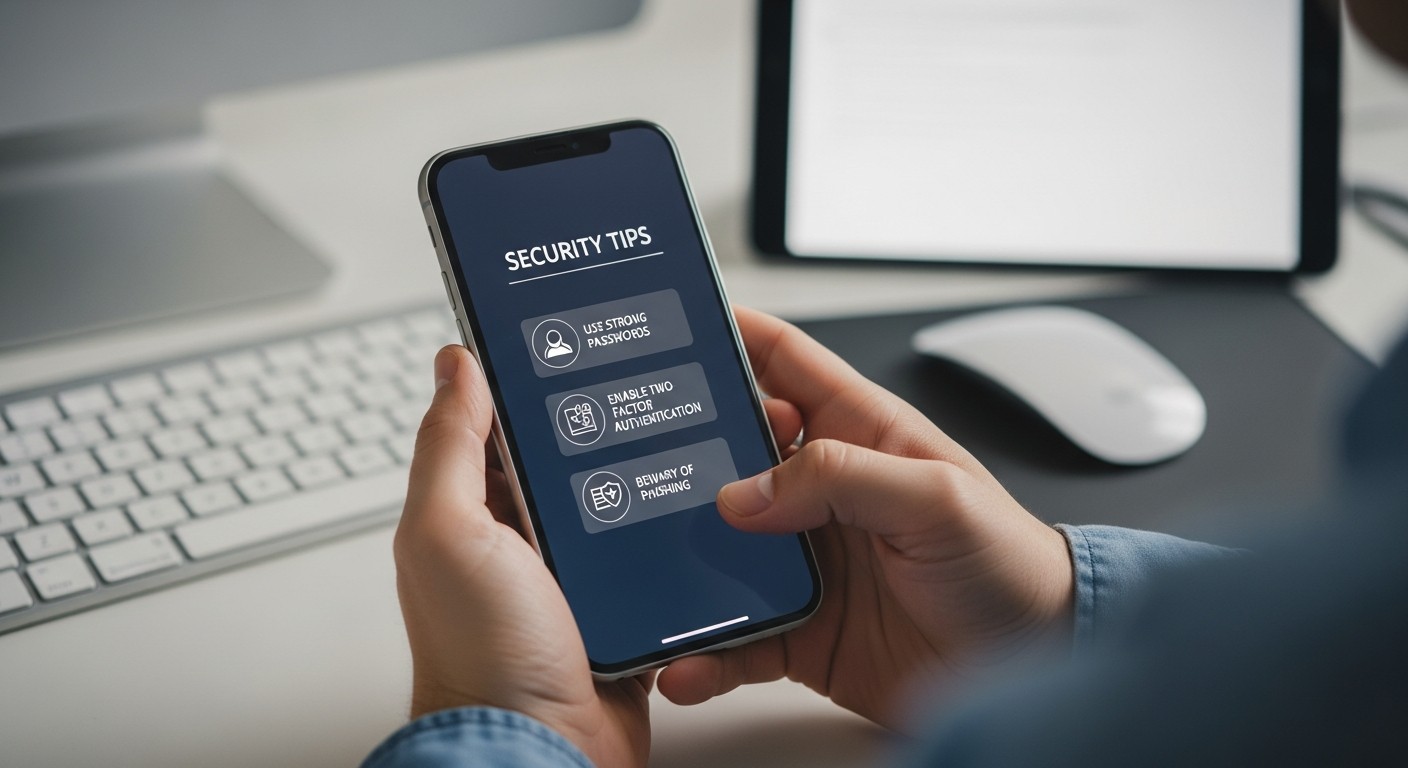
Navigating the digital world safely is a key part of using our phones, tablets, and computers today. As part of a broader effort to understand and counter online risks, this page focuses on practical steps anyone can take to stay safer. Mike Potter Programming and Technology Solutions offers a straightforward, 16-page guide specifically designed for non-technical users, making online scam prevention truly easy to follow.
Mike Potter’s guide breaks down complex security ideas into simple, actionable bullet points. It’s not about becoming a tech expert; it’s about learning a few key habits that make a big difference. The advice is presented clearly, without jargon, ensuring that anyone can understand and apply these essential protective measures.
Understanding Simple Security Habits
The guide emphasizes that preventing online scams often comes down to adopting a few simple, consistent habits. These aren’t complicated tasks, but rather small adjustments to how you interact with emails, messages, and websites. In practice, these habits build a strong first line of defense against many common online threats.
- Spotting Suspicious Links: Learn to check links before clicking. Typically, hovering your mouse over a link (on a computer) or long-pressing it (on a phone/tablet) reveals the true web address. If it looks different from what’s expected or seems odd, it’s safer not to click.
- Verifying Sender Identity: Always check who sent an email or message. A common challenge is recognizing when an email claims to be from a known company or friend but has a slightly altered email address. For instance, a scammer might use ‘[email protected]’ instead of ‘[email protected]’.
- Using Strong, Unique Passwords: The guide explains why using different, complex passwords for each online account is crucial. It also covers the value of a password manager, which helps you create and remember these secure passwords without hassle.
- Enabling Two-Factor Authentication (2FA): This simple step adds an extra layer of security. After entering your password, 2FA asks for a second verification, like a code sent to your phone. This makes it much harder for unauthorized people to access your accounts, even if they somehow get your password.
- Keeping Software Updated: Regular updates for your phone, tablet, and computer operating systems, as well as apps, often include important security fixes. The guide clarifies how to enable automatic updates or check for them manually, making sure your devices have the latest protections.
- Being Wary of Unsolicited Requests: Be cautious of messages or calls asking for personal information, especially financial details or passwords. Reputable organizations typically don’t ask for sensitive information this way.
- Recognizing Urgency and Threats: Scammers often try to create a sense of urgency or fear to pressure you into acting quickly without thinking. The guide helps you identify these tactics, encouraging you to pause and verify any unexpected or alarming messages.
Why Mike Potter’s Guide Works for Everyone
The strength of Mike Potter’s guide lies in its directness and user-friendly format. By focusing on bullet-pointed advice across its concise 16 pages, it avoids overwhelming the reader with too much technical detail. Instead, it offers practical, memorable tips that can be immediately put into action. This approach ensures that non-technical users can confidently apply these prevention steps, enhancing their online safety without needing to become tech experts.