
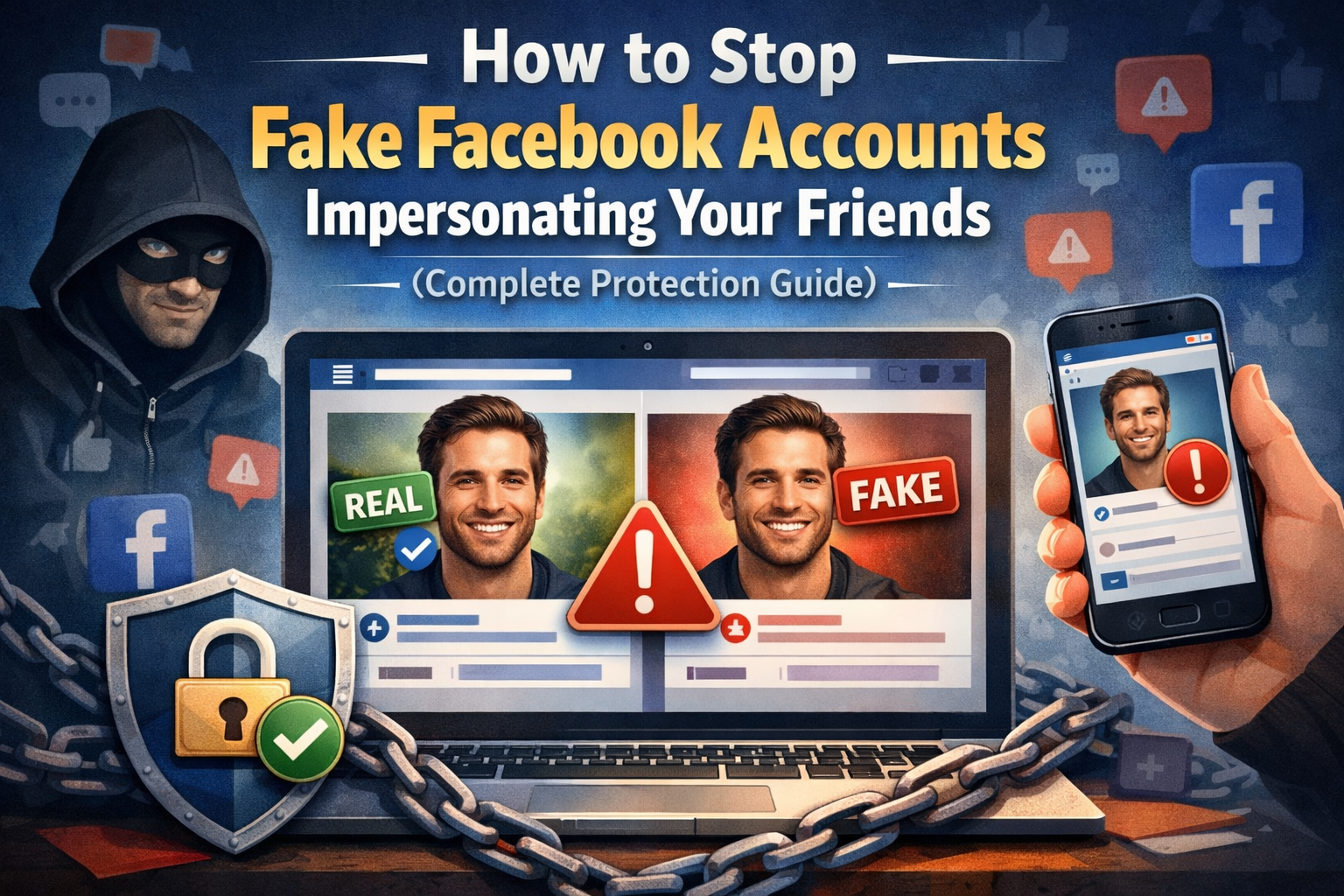
Fake Facebook profiles are becoming increasingly common. Scammers copy your friend’s name and profile photo, send you a friend request, and then message you pretending to be someone you trust.
Their goal is simple:
- Extract money
- Get you to send verification codes
- Access your account
- Trick you into clicking malicious links
You cannot stop someone from creating a fake profile. You can make yourself a much harder target.
Below is a complete step‑by‑step guide to protect your Facebook account properly.
1. Restrict Who Can Send You Friend Requests
Go to: Settings → Privacy → How people find and contact you
Change:
- Who can send you friend requests? → Friends of Friends
- Who can look you up using your email address? → Friends
- Who can look you up using your phone number? → Friends
- Do you want search engines outside Facebook to link to your profile? → No
This immediately reduces random impersonation attempts.
2. Hide Your Friends List (Critical Step)
Scammers clone people because they can see who you know.
Go to: Settings → Privacy → Who can see your friends list?
Set this to: Only Me
This prevents scammers from targeting your network.
3. Turn On Timeline & Tag Review
Go to: Settings → Profile and Tagging
Enable:
- Review posts you’re tagged in before the post appears
- Review tags people add to your posts before they appear
This stops scam tagging and fake promotions.
4. Enable Two‑Factor Authentication (Non‑Negotiable)
Go to: Settings → Password and Security → Two‑Factor Authentication
Use:
- An authenticator app (recommended)
This protects your account even if your password is compromised.
5. Adjust Messenger Privacy
Go to Messenger settings and:
- Set message delivery for non‑friends to Message Requests
- Avoid receiving direct messages from unknown contacts
This reduces scam attempts significantly.
6. If You See a Fake Profile – Act Immediately
If you notice someone impersonating a friend:
- Screenshot the fake profile
- Inform the real person immediately
- Report the fake account
- Ask mutual friends to report it as well
Multiple reports increase removal speed.
7. Post a Public Warning to Your Network
Consider posting:
“I do not send duplicate friend requests. If you receive one, please report it immediately.”
This creates awareness and protects others.
8. For Business Owners
If you run a business:
- Use a Facebook Business Page for public visibility
- Keep your personal profile tighter
- Remove your phone number from public view
- Avoid displaying your email publicly
Maintaining separation between personal and business presence reduces risk.
Final Protection Checklist
✔ Friend requests set to Friends of Friends ✔ Friends list hidden ✔ Two‑factor authentication enabled ✔ Timeline review enabled ✔ External search disabled ✔ Messenger privacy tightened
Impersonation scams are increasing — but with the right settings, you dramatically reduce your risk.
Take five minutes today to secure your account properly.