
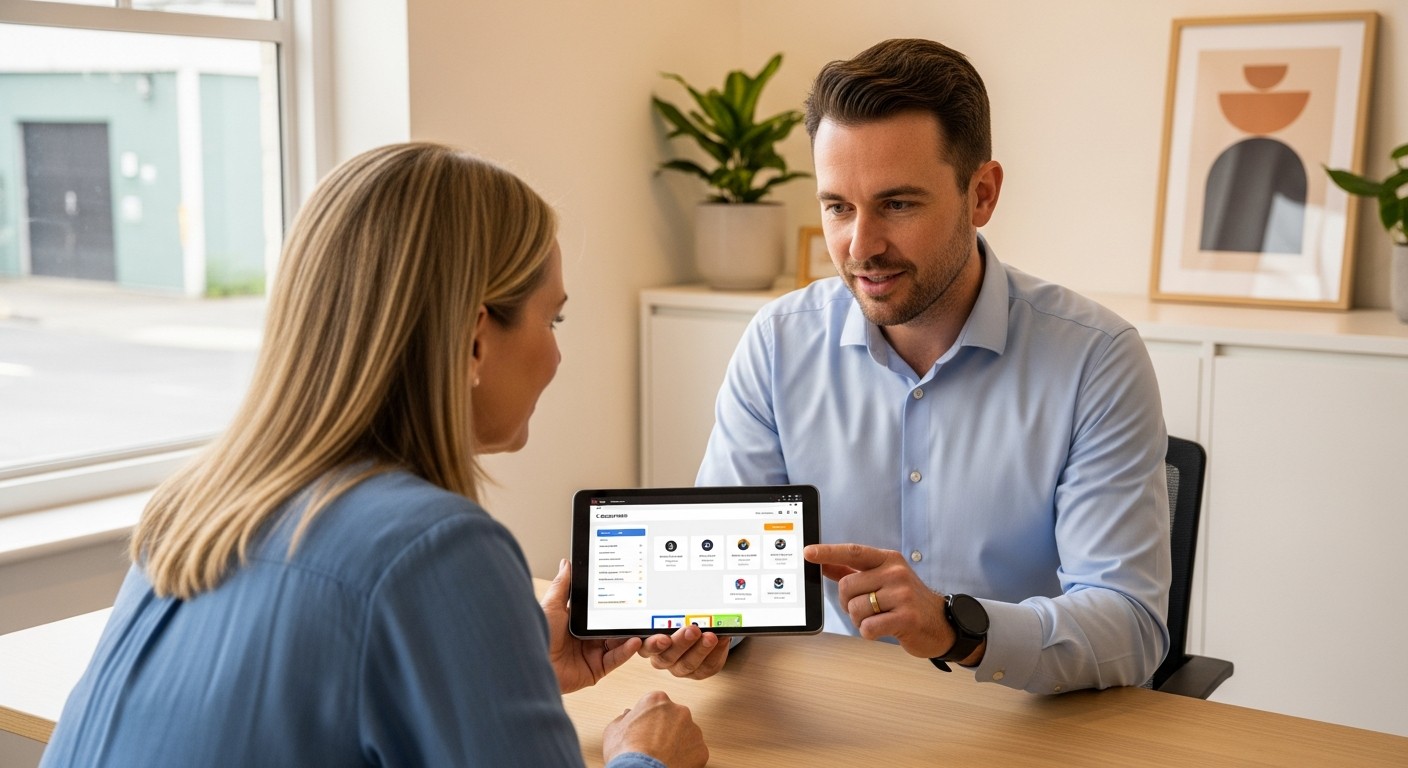
When exploring the broader context of Understanding Online Scams for Non-Tech Users, understanding what legitimate technical support specialists do is one of the best ways to protect yourself online. Technical support involves helping users resolve software glitches, configuration errors, hardware defects, and network connectivity issues across devices like smartphones, iPads, tablets, and desktop computers. Knowing the daily duties, boundary lines, and standard practices of real support professionals makes it vastly easier to spot fraudulent impostors pretending to fix non-existent problems.
Core Responsibilities of Legitimate Tech Support
Technical support specialists act as problem solvers for personal devices and complex office systems. Their primary role is ensuring technology runs smoothly, securely, and efficiently for non-technical users.
System Diagnostics and Troubleshooting
When an application crashes repeatedly or an iPad refuses to connect to Wi-Fi, support specialists run diagnostic tests to isolate the root cause. Common scenarios include identifying conflicting applications, diagnosing corrupted system files, or analyzing memory usage. Diagnostics always focus on resolving specific error messages or clear performance bottlenecks rather than making broad, unverified claims about device health.
Software Maintenance and Security Patching
Keeping software up to date is a primary defense against digital threats. Technical support workers assist users with installing operating system updates on iPhones, Android tablets, Windows laptops, and Mac computers. They verify that official security patches apply cleanly without breaking existing user settings or removing critical personal files.
Hardware Assessment and Repair
Beyond software, technical support addresses physical hardware issues. Tasks often involve testing battery health on mobile devices, evaluating cracked tablet screens, diagnosing failing hard drives, or replacing faulty memory modules. Physical repairs are conducted in controlled environment settings or certified service facilities.
Network and Peripheral Setup
Connecting printers, configuring wireless routers, and establishing secure email connections on mobile phones fall under routine technical support tasks. Help desk personnel guide users through simple pairing processes, ensuring encryption settings match modern standards like WPA3 security protocols.
How Real Tech Support Differs From Online Scams
Distinguishing authentic technical assistance from deceptive operations relies on recognizing standard operational protocols. Real technology helpers adhere to strict ethical and operational boundaries.
Inbound vs Outbound Contact Protocols
Legitimate support services operate almost exclusively on an inbound basis. A user initiates contact through an official support channel when experiencing a problem. What usually causes problems is trusting unsolicited phone calls or full-screen browser pop-ups claiming a computer is infected. Standard tech companies like Apple, Microsoft, or Google do not send random pop-up warnings containing toll-free phone numbers for immediate cleanup.
Remote Access Protocols and User Consent
While legitimate technicians sometimes use remote access tools to fix software bugs on laptops or desktops, this access requires explicit authorization for every session. Technicians explain what actions they take on screen, and users can terminate the connection at any point. Furthermore, legitimate support agents rarely ask for remote control over personal mobile phones or iPads to perform simple routine maintenance.
Clear Pricing and Documentation
Real support providers furnish itemized receipts, work order tickets, and transparent terms of service prior to performing paid work. Payments are handled through standard billing systems, credit card processors, or existing service contracts. Legitimate organizations never demand payment via gift cards, wire transfers, cryptocurrency, or peer-to-peer payment applications.
Everyday Support Tasks Across Different Devices
Technical support varies slightly depending on whether the device is a hand-held mobile gadget or a traditional desktop computer.
Mobile Phones and iPads or Tablets
Support for mobile platforms primarily revolves around account management, app store permissions, and cloud synchronization. Common scenarios include:
- Resetting forgotten passwords through official recovery channels without accessing stored private data.
- Managing cloud backup storage settings for photos and personal documents.
- Troubleshooting touch screen responsiveness or battery drain issues caused by background application refresh.
- Configuring privacy settings and app permissions to prevent unauthorized location tracking.
Desktop and Laptop Computers
Computer support often requires deeper operating system intervention due to the open nature of desktop software. Typical assistance includes:
- Removing verified malware or adware using recognized, trusted antivirus software solutions.
- Configuring automatic data backup routines to external drives or secured cloud servers.
- Reinstalling operating systems after major hardware replacements or severe system file corruption.
- Cleaning dust accumulation from cooling fans to prevent hardware overheating.